 Sort Feed
DocsDownload & transcribe
Transcribing videos
Transcription turns what's said in a video into text you can read, search and paste into a script. Run one video, or run a batch across a sorted grid while you do something else.
Transcribing one video
Hover a post and click Transcribe, on Instagram, TikTok or Facebook. It works while you browse, with no sort involved, and on a post opened from a shared link.
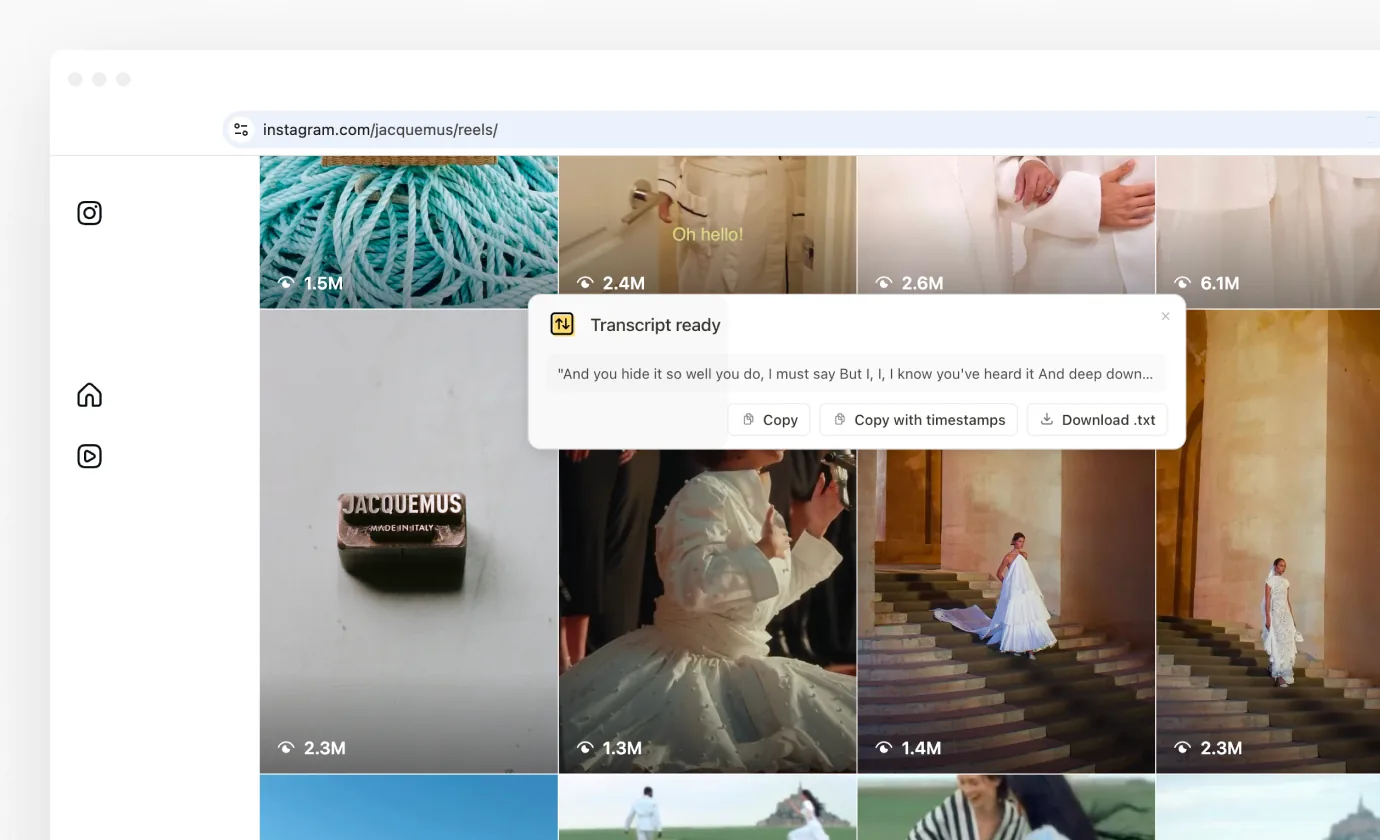
A banner shows progress, and when it finishes the transcript is there to read and copy.
A long video comes back as a partial transcript rather than an error, and the banner says how much of it you got.
In the player, Transcribe does the same for the post you're watching. Controls & shortcuts lists the key for it.
Transcribing in bulk
Sort a feed, click Select, tick the posts you care about, then choose Export + Transcripts. Sort Feed works through the selection and writes the text into the export alongside the numbers.
It runs a couple of videos at a time and keeps going while you do something else. The Stop button ends the run, and everything already transcribed is kept.
This is the point of the feature. A single spreadsheet holding the hook, the full script and the performance numbers side by side is what turns a set of references into something you can actually work from.
Transcribing saved posts
A video you've saved with Sort Feed can be transcribed from your saved posts on the web, one at a time or a selection at once. The transcript stays with the post, so search finds it there later. Your saved posts covers it.
Where it works
Instagram, TikTok and Facebook. YouTube has no transcription, so Select there is an export of the metadata alone. What works where tracks the differences.
TikTok is the fastest of the three, because TikTok publishes the audio track separately and Sort Feed uses that rather than pulling down the whole video.
What it costs
Transcription is a Pro feature, and it's unlimited: transcribe one video or a whole sorted grid, as often as you like. Plans & billing covers the plan.
If a job times out or a video turns out to have no speech in it, the banner says so and nothing is held against you.
What leaves your machine
Transcription doesn't run in your browser. The video's audio goes to Sort Feed's transcription service, and the text comes back.
Sorting, filtering, exports and downloads all happen on your computer, and no platform password is involved at any point. The one other thing that leaves is a post you choose to save, covered in Saving.
If a transcript fails
- A sign-in message means Sort Feed doesn't know who you are. Sign in from the extension and try again.
- "No speech found" is what it says: the video has no spoken audio. You aren't charged for it.
- Repeated failures, especially alongside downloads failing, point at something else. Troubleshooting covers it.