Sort Feed
DocsPlayer
Platforms & settings
The player runs on Instagram, TikTok and Facebook, on every surface Sort Feed sorts there. Each platform has its own switch for turning it off.
Where it works
YouTube has no player, so a sorted video there opens on YouTube in a new tab. What works where tracks that kind of difference.
- Instagram: profile Posts and Reels, Explore search, and Saved.
- TikTok: profiles, search results, Favorites, Liked, and collections.
- Facebook: reels on a profile, your own reels, and saved reels.
What differs
The numbers beside the post are whatever that platform publishes. Instagram gives views, likes and comments. TikTok adds shares and saves. Facebook adds shares.
Instagram carousels open as slides. TikTok photo posts do the same. Facebook is reels only, so everything there is a video.
Transcribe, the ••• menu and the shortcuts are identical on all three, because it is one player underneath.
Turning it off
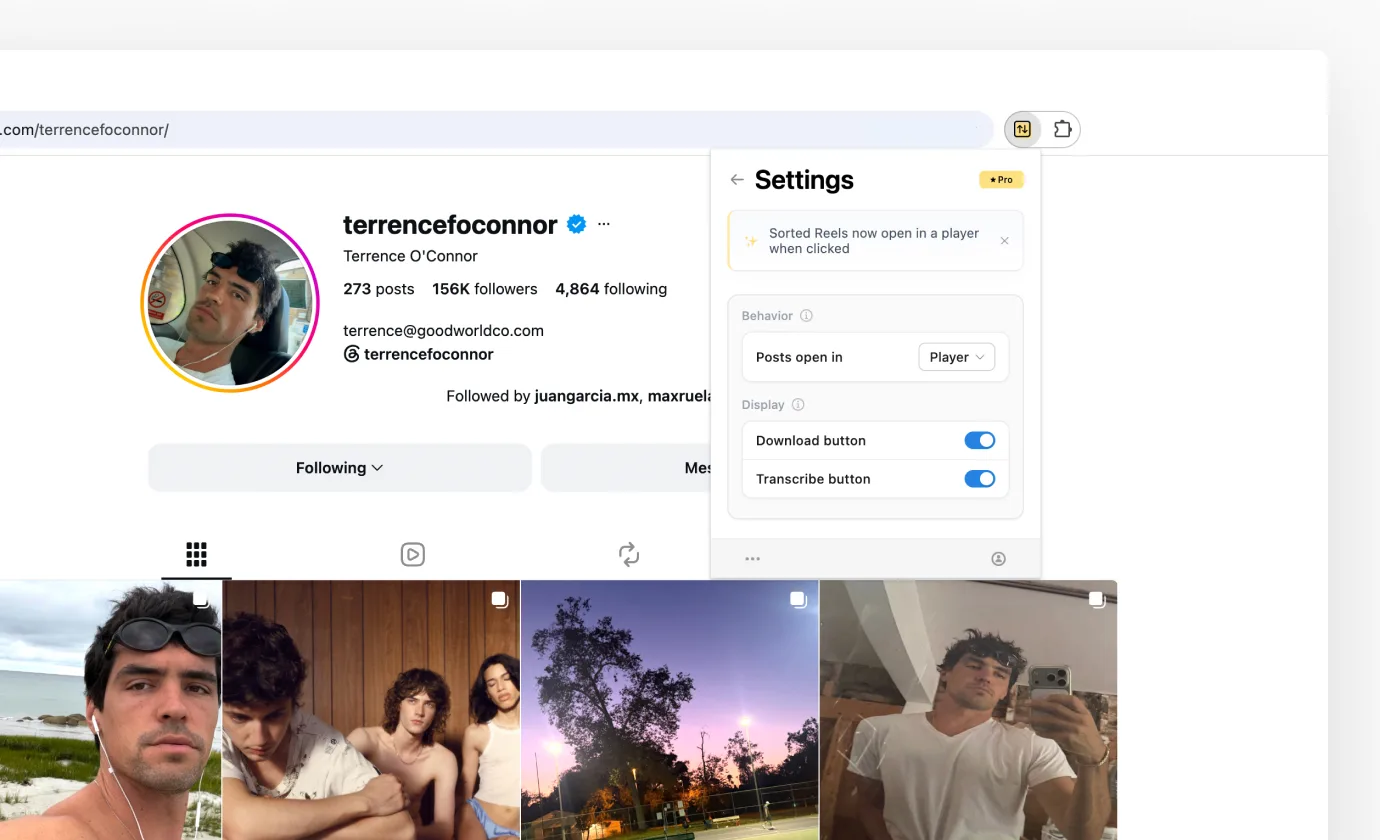
Open Sort Feed, click the gear in the header, and set Posts open in to the platform's name instead of Player. Clicking a sorted post then opens it in a new tab, the way it did before.
The setting is per platform and remembered, so you can keep the player on Instagram and turn it off on TikTok. It's the first row of each platform's Settings panel.