Sort Feed
BlogTikTok
How to sort TikTok videos by views
You can sort TikTok videos by views on any profile, and by likes, shares or saves too. It takes a few seconds, and the ranked grid stays on the page.

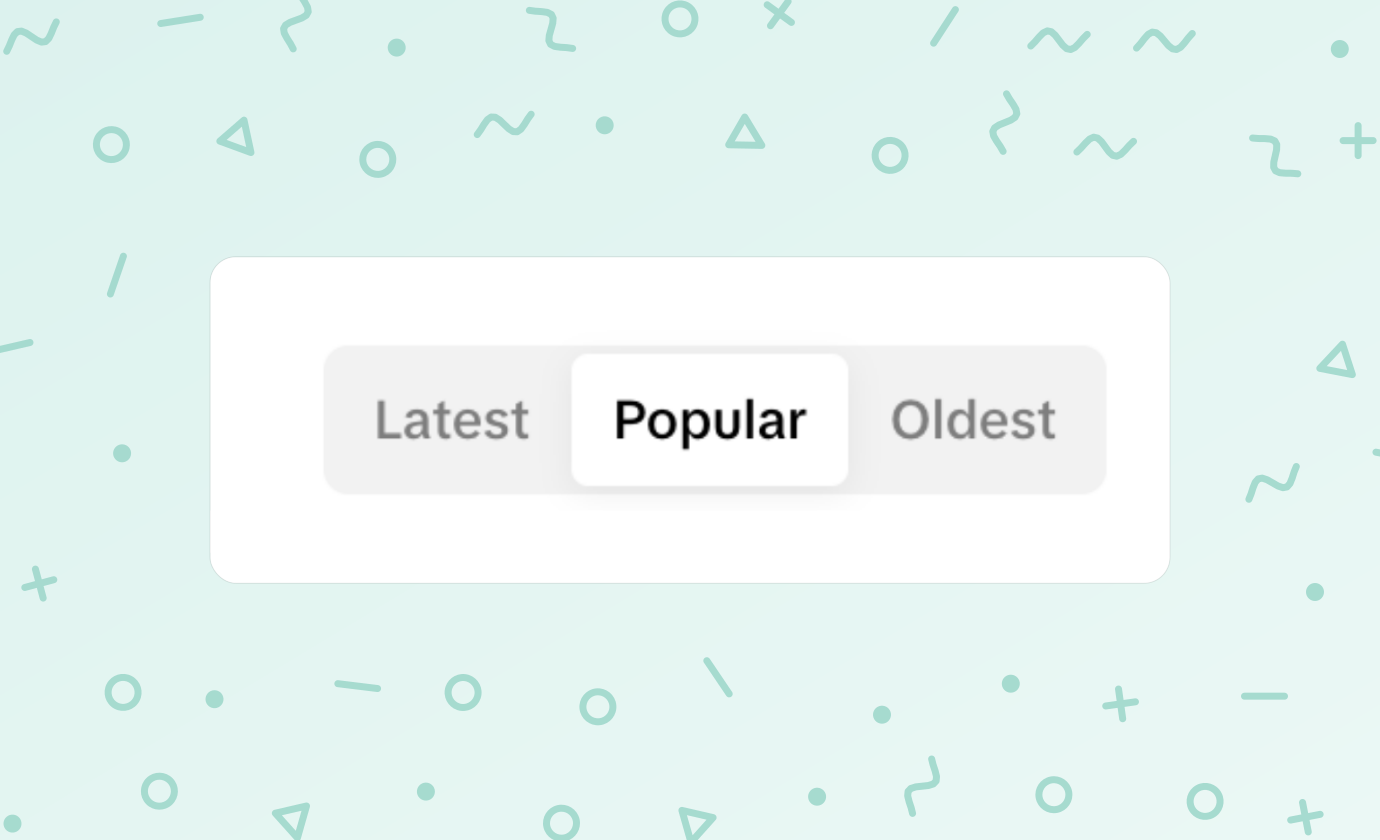
A TikTok profile opens on its latest videos. The Popular chip beside Latest gives you one ranking and nothing else: no choice of metric, no date range, and nothing you can take with you.
Sort Feed is a research tool that sorts the profile itself, by the number you choose, and keeps the result on the page. Views is where most people start.
What TikTok gives you
Three chips sit above the grid: Latest, Popular and Oldest. Popular is fine for a glance, and for a quick look at an account it may be all you need.
It runs out fast when the question gets specific. You cannot ask for the most shared video, or the most saved one, or the best of the last three months. And the list lives on TikTok, so the moment you want it in a spreadsheet you are copying numbers by hand.
How to sort TikTok videos by views
You need Chrome, or a browser built on it, with Sort Feed added. Install Sort Feed walks through it. Then open the profile on tiktok.com.
1. Stay on Videos and Latest
Sort Feed works on the Videos tab with the Latest chip selected. It asks for the profile in its own order, so a grid TikTok has already rearranged would give you a partial answer.
2. Choose a range
Click the Sort Feed icon. Under Filters, pick a number of recent TikToks or a stretch of time. The free plan sorts the latest 25, or one week back.
3. Click Views
The page dims and a banner counts the videos as they load. Leave the page alone while it works, since Sort Feed is doing the scrolling. The grid comes back ranked, most viewed first.
More than views
TikTok publishes more numbers than any other platform Sort Feed covers. Once the videos are collected, the Sort by chip on the banner re-ranks them by any of these without running the sort again.
- Likes, a read on how much people liked the idea.
- Comments, for the videos that started a conversation.
- Shares, which means somebody put their own name to it.
- Saves, which means somebody planned to come back.
- Oldest, for finding where a format began.
Looking at the same 25 videos four ways is most of the research. The video that leads on saves is rarely the one that leads on views, and the gap between the two lists tells you what the audience found useful rather than entertaining.
After the sort
Click a card and the video opens in the player over the grid, with views, likes, comments, shares and saves beside it. Photo posts open as slides. The arrow keys step through the sorted order.
Export sends the list to CSV, Excel, JSON or a new Google Sheet. Download saves the clips without a watermark. After you sort covers every control on the banner.
Beyond profiles
The same sort runs on search results, on your Favorites and Liked lists, and on a single collection. Date ranges are off on those pages, because they are not in publishing order. TikTok in the docs has the rules for each page.
To get the profile back the way TikTok drew it, refresh. Nothing on the account changed, and the creator never knows you sorted it.